
Home services across the Philippines
All the services your home needs, in one place.
Trusted professionals across cleaning, repairs, beauty and wellness. Pick a time that suits you, get it confirmed before anyone comes, and manage every booking from your Servana account.
Vetted professionals Confirmed before the visit Prices in pesos, up front
Every Servana service
Find the right help
Every service Servana offers, grouped by what you are trying to get done. Search above, or browse below.
Home Services
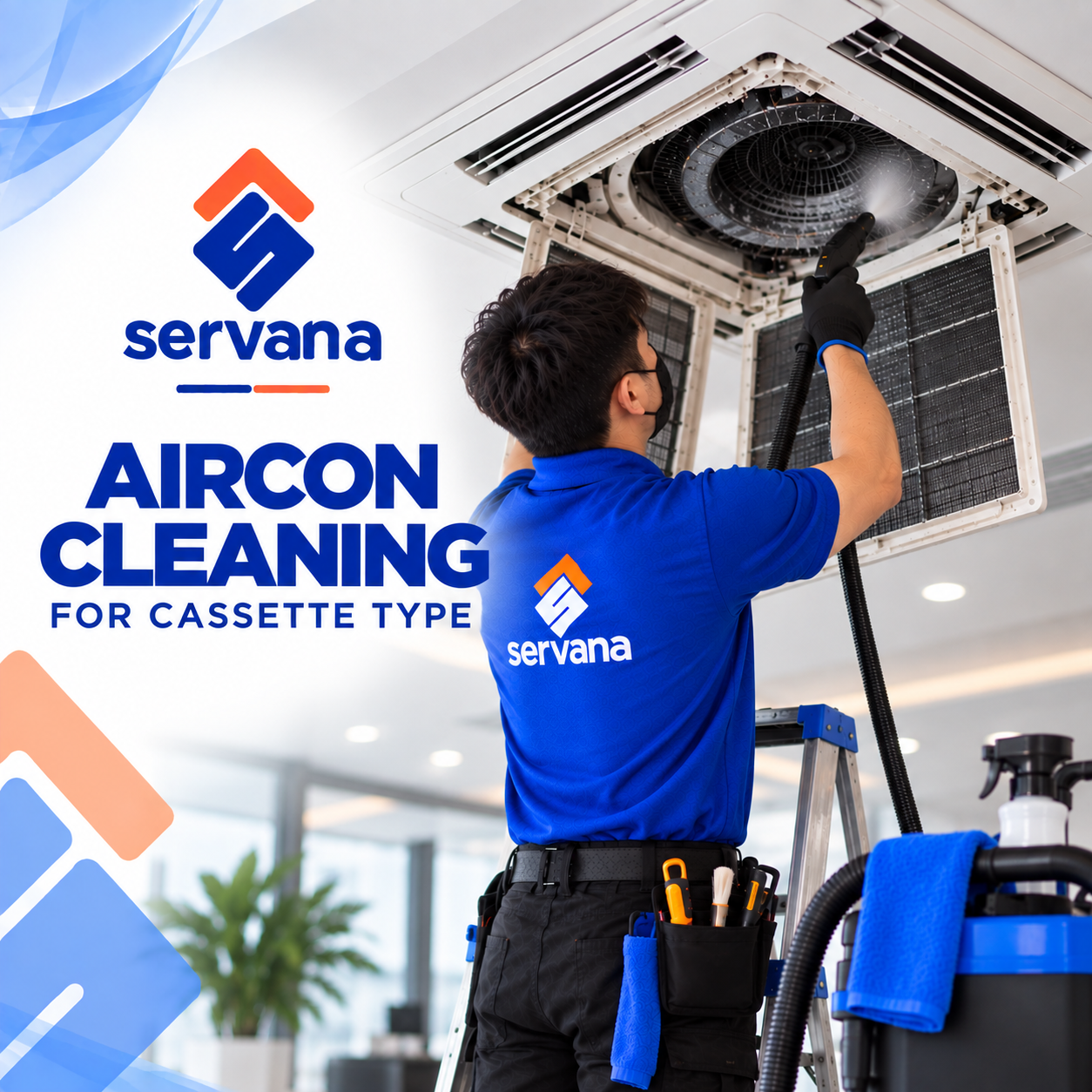
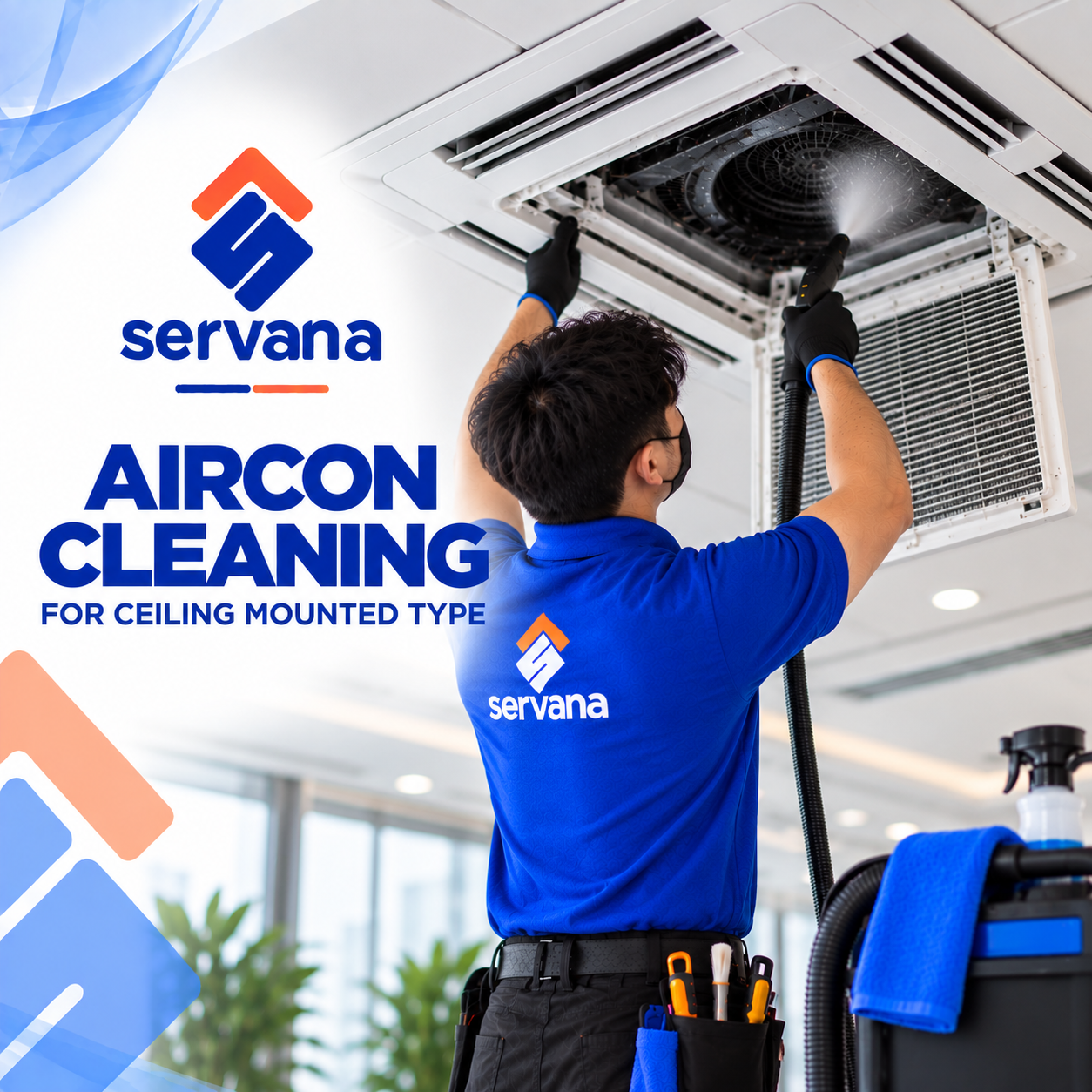
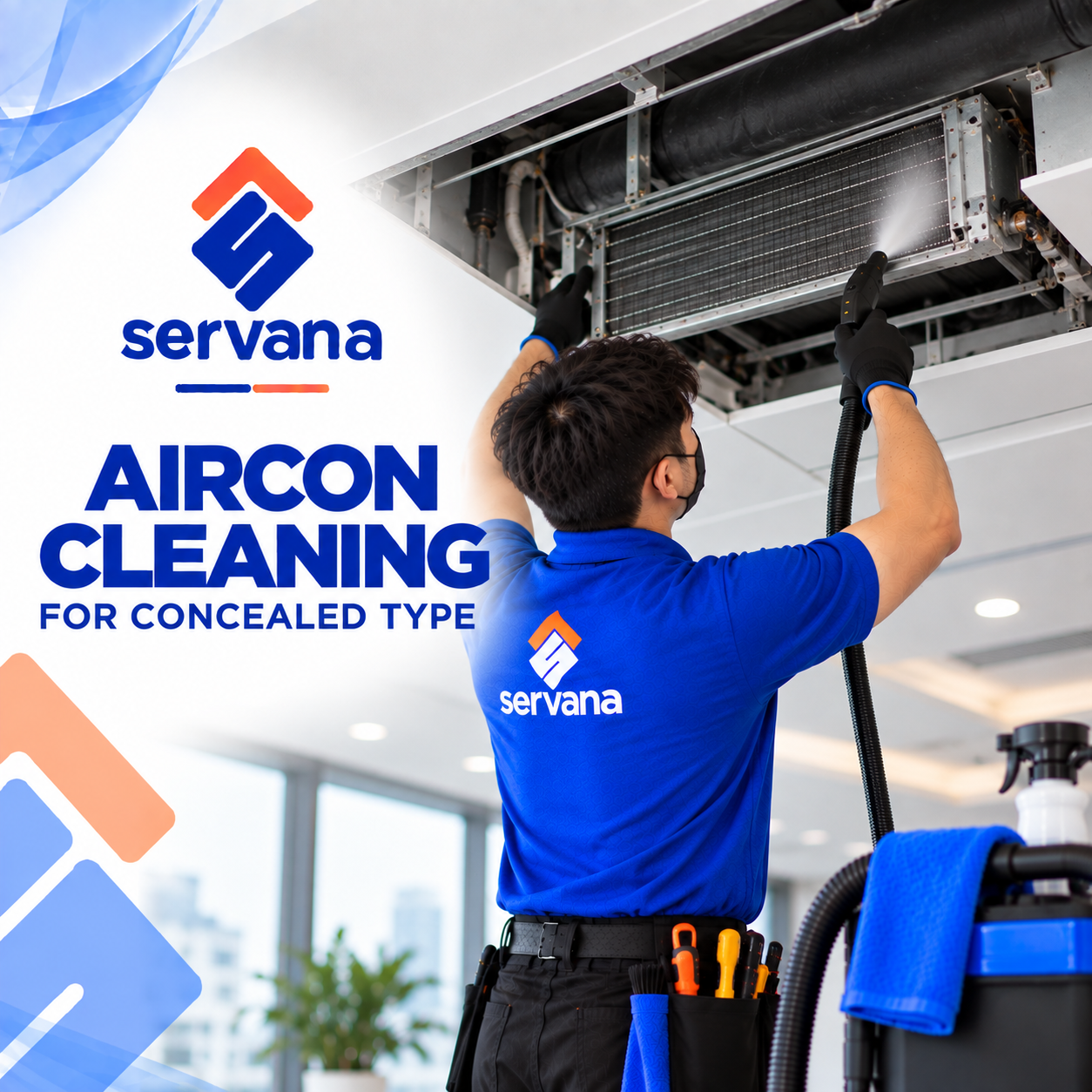
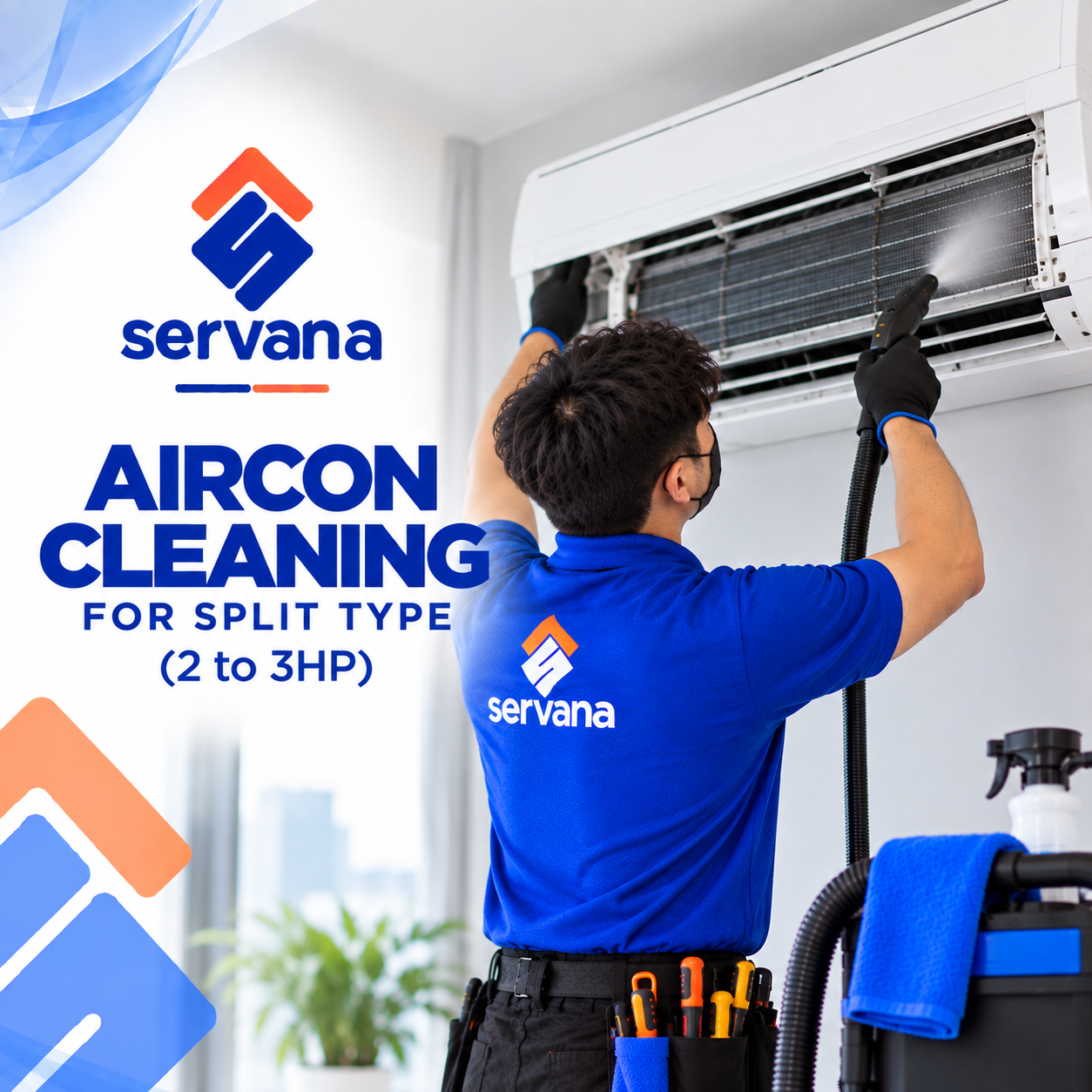
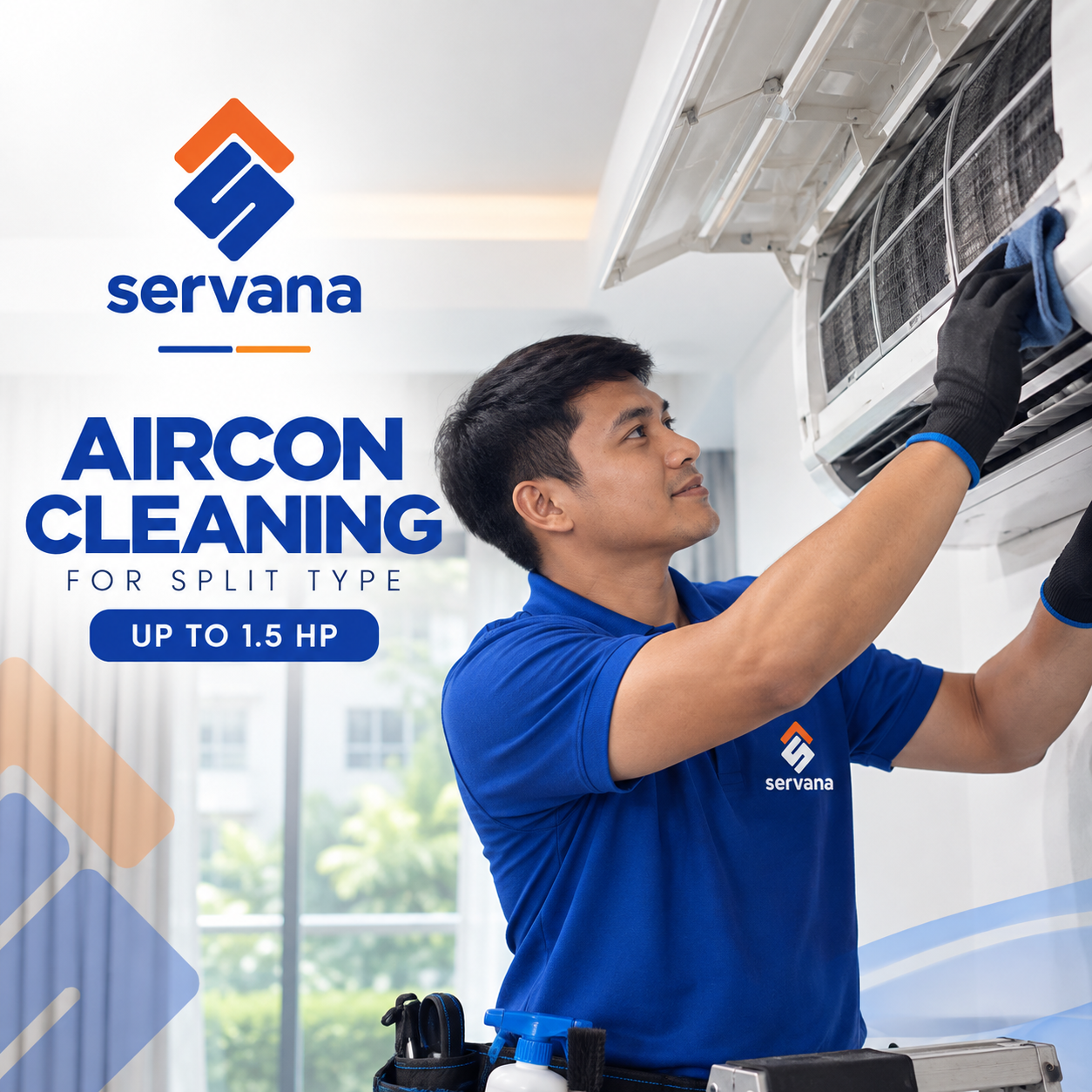
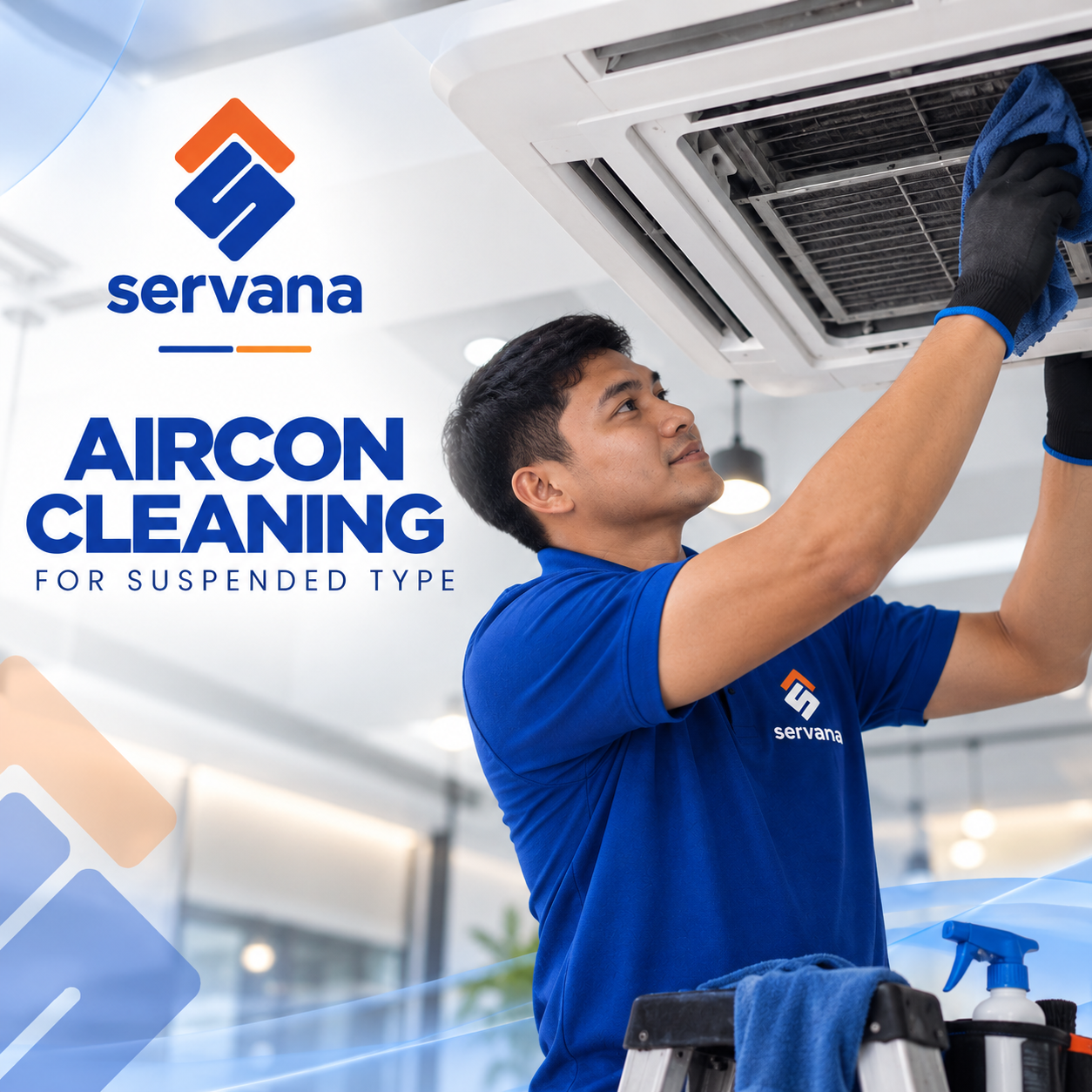
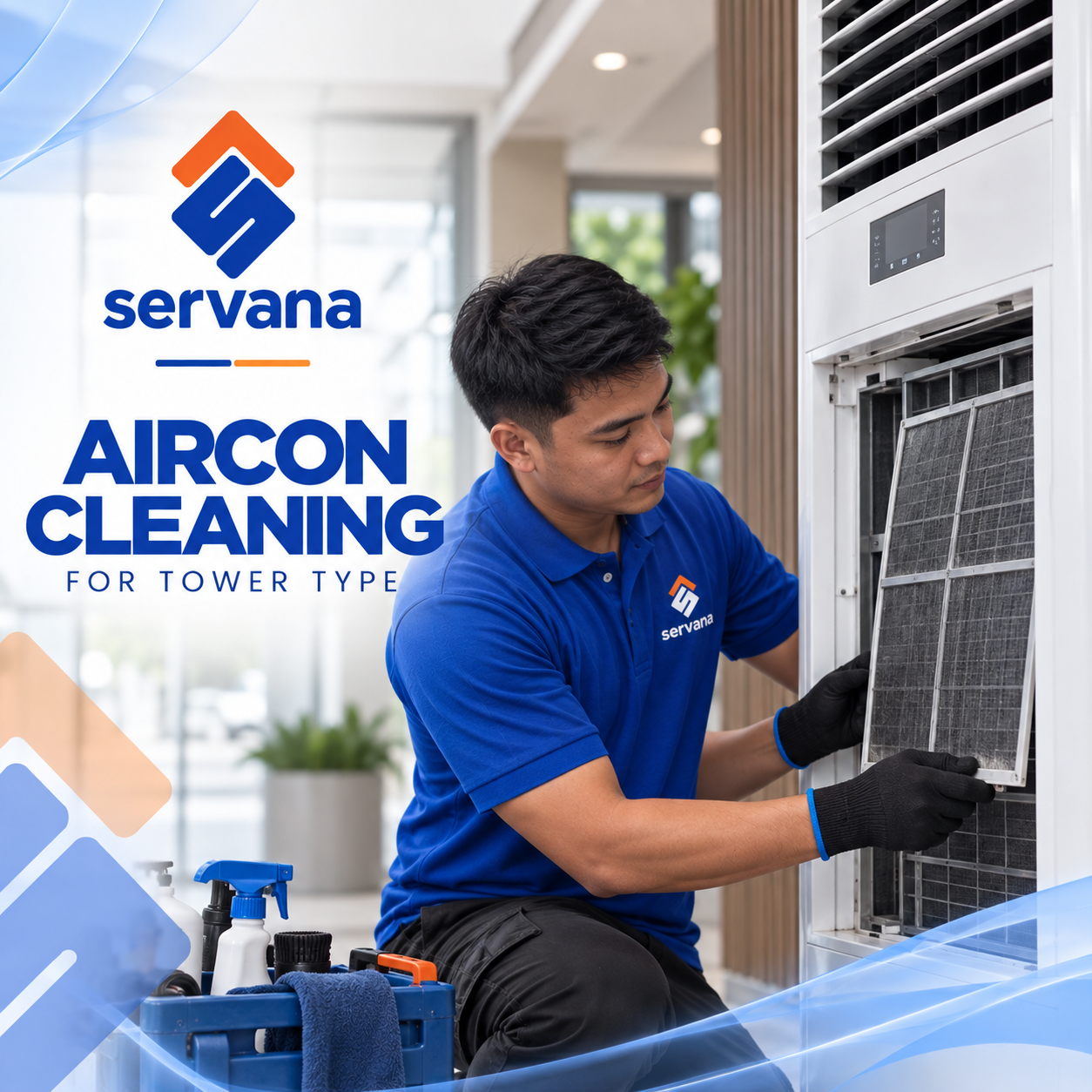
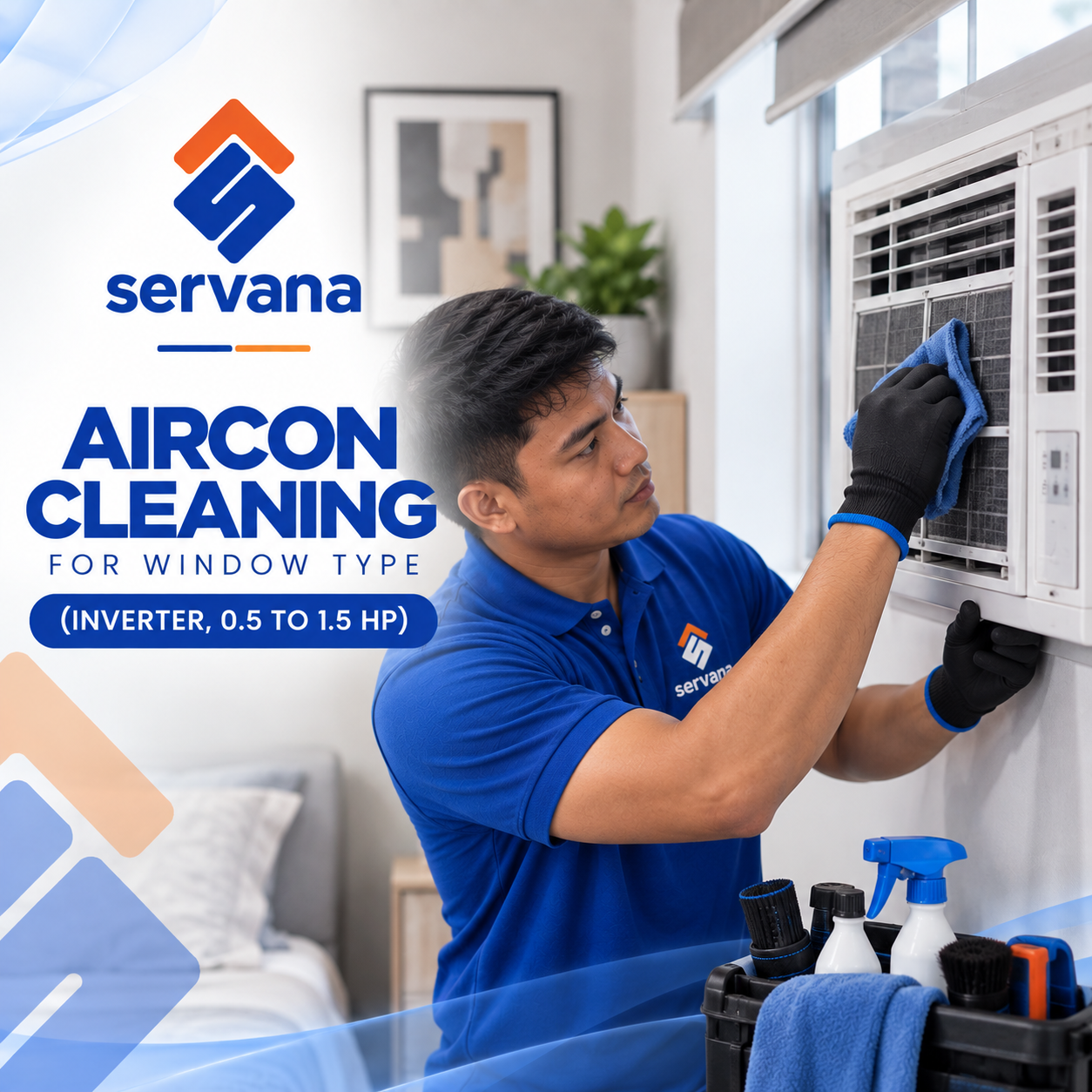
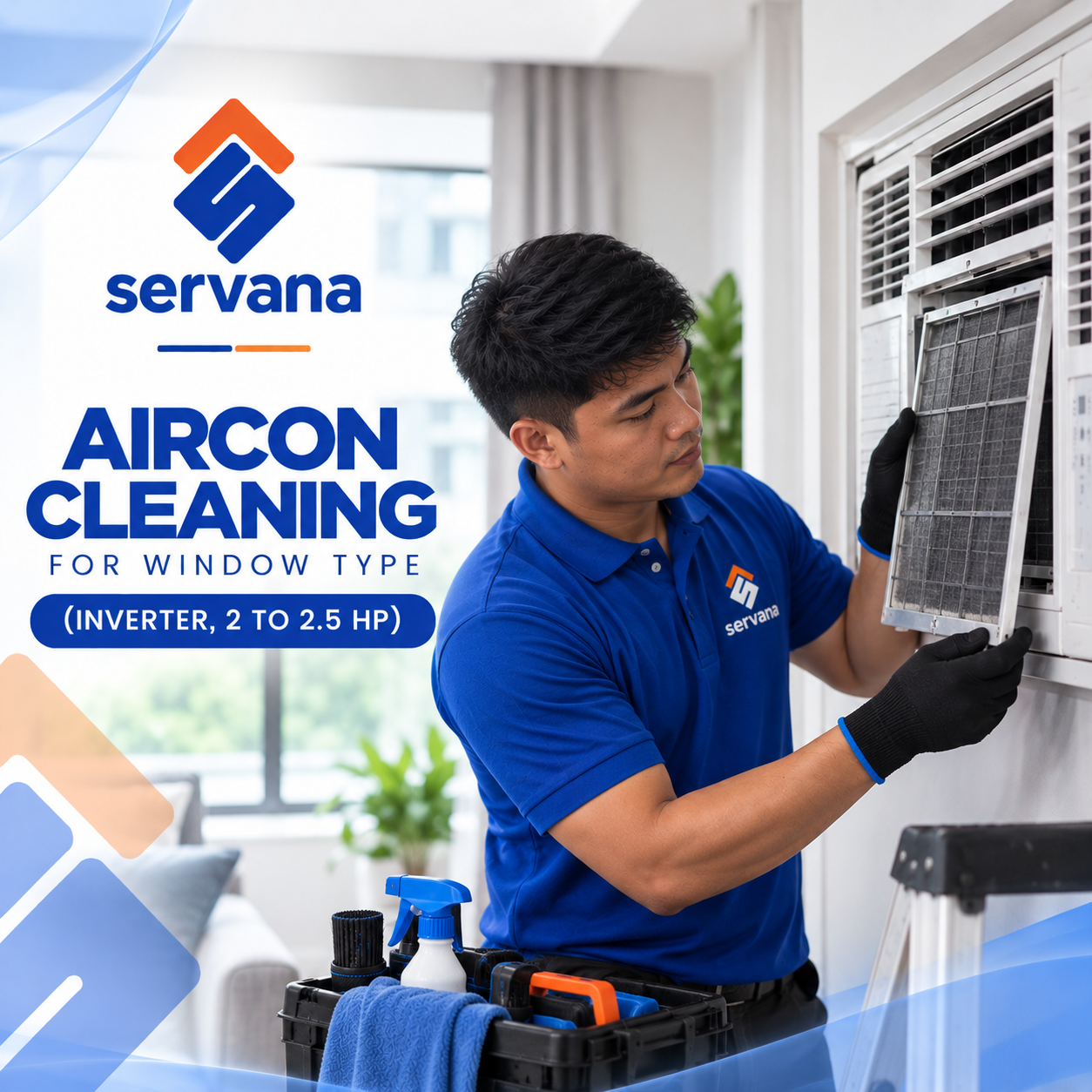
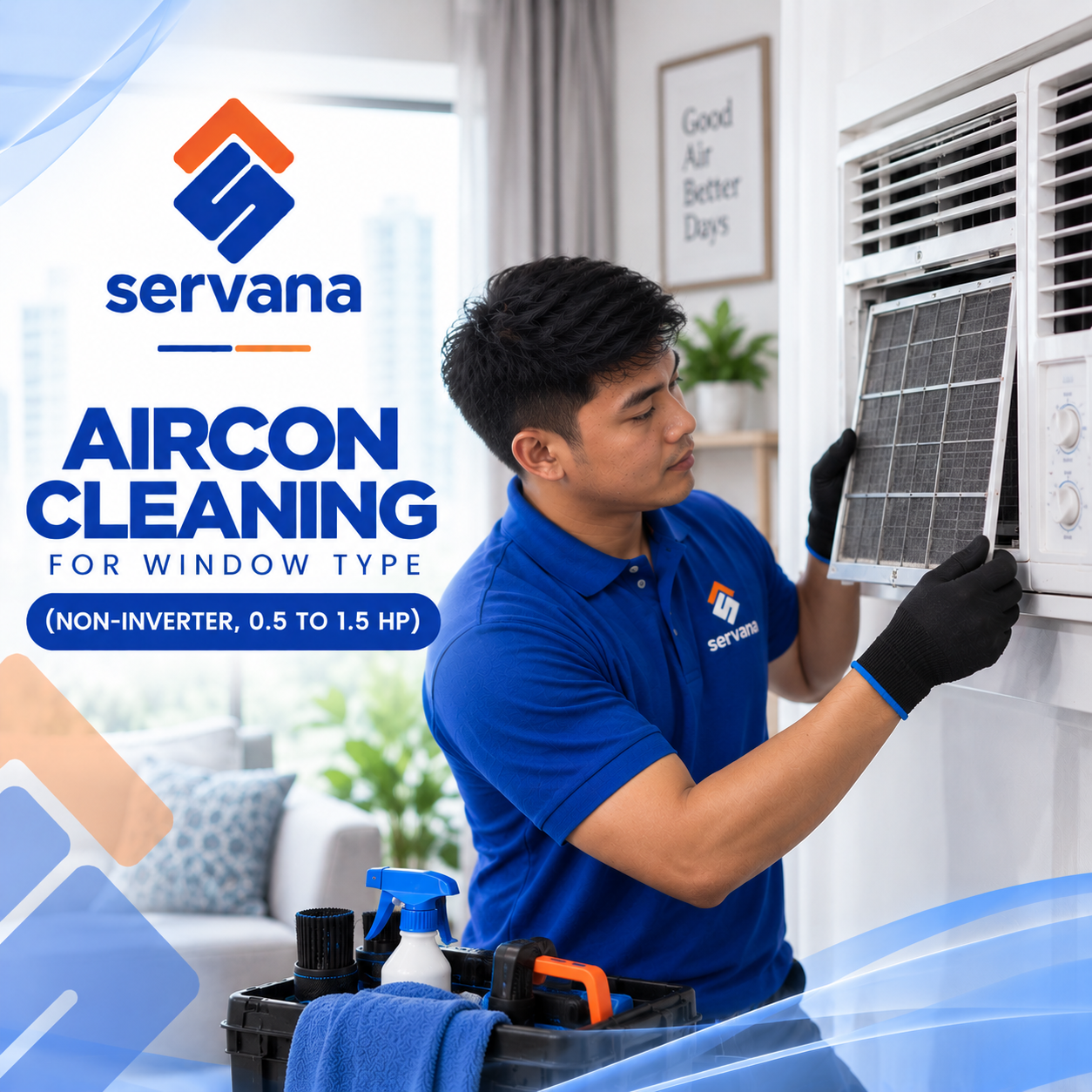
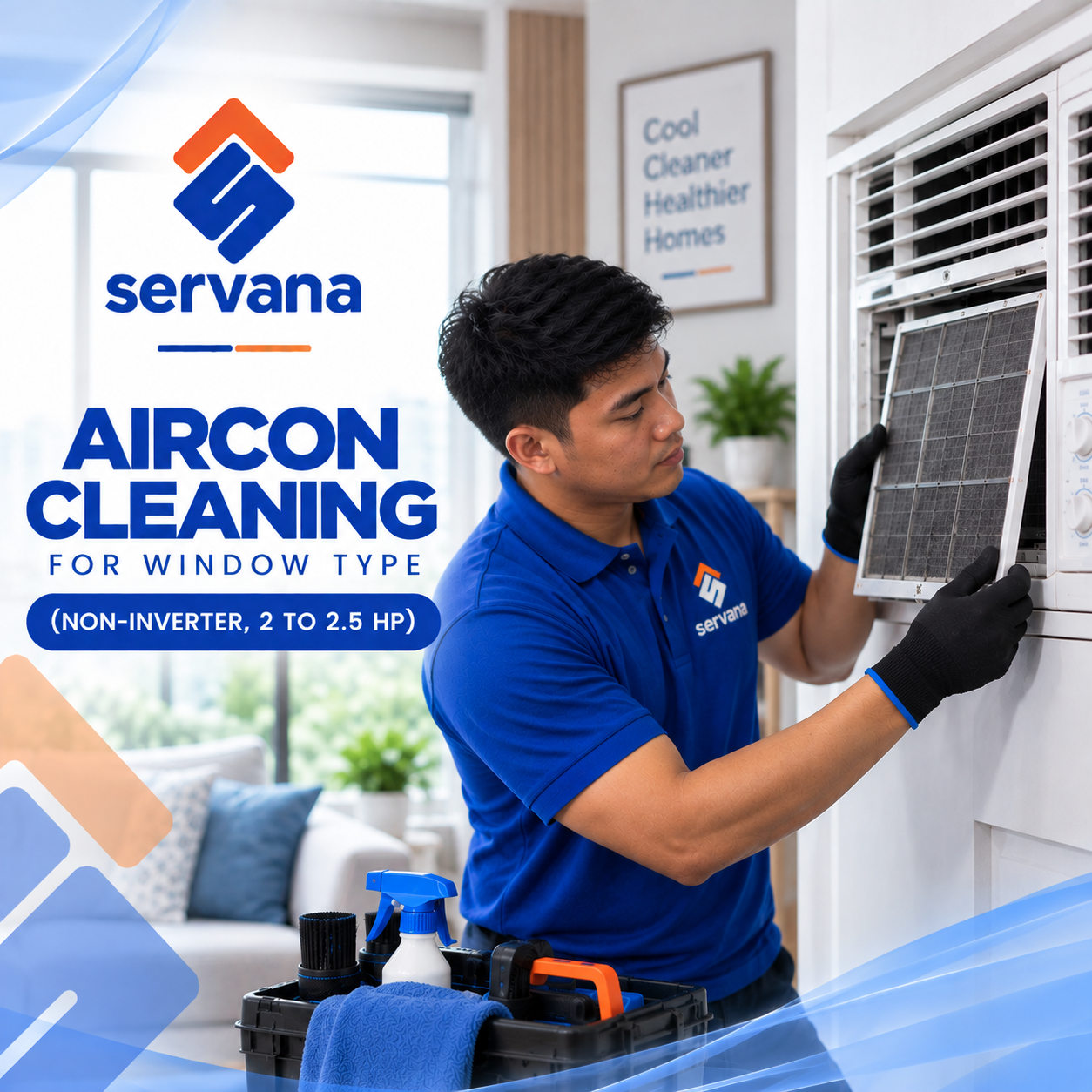
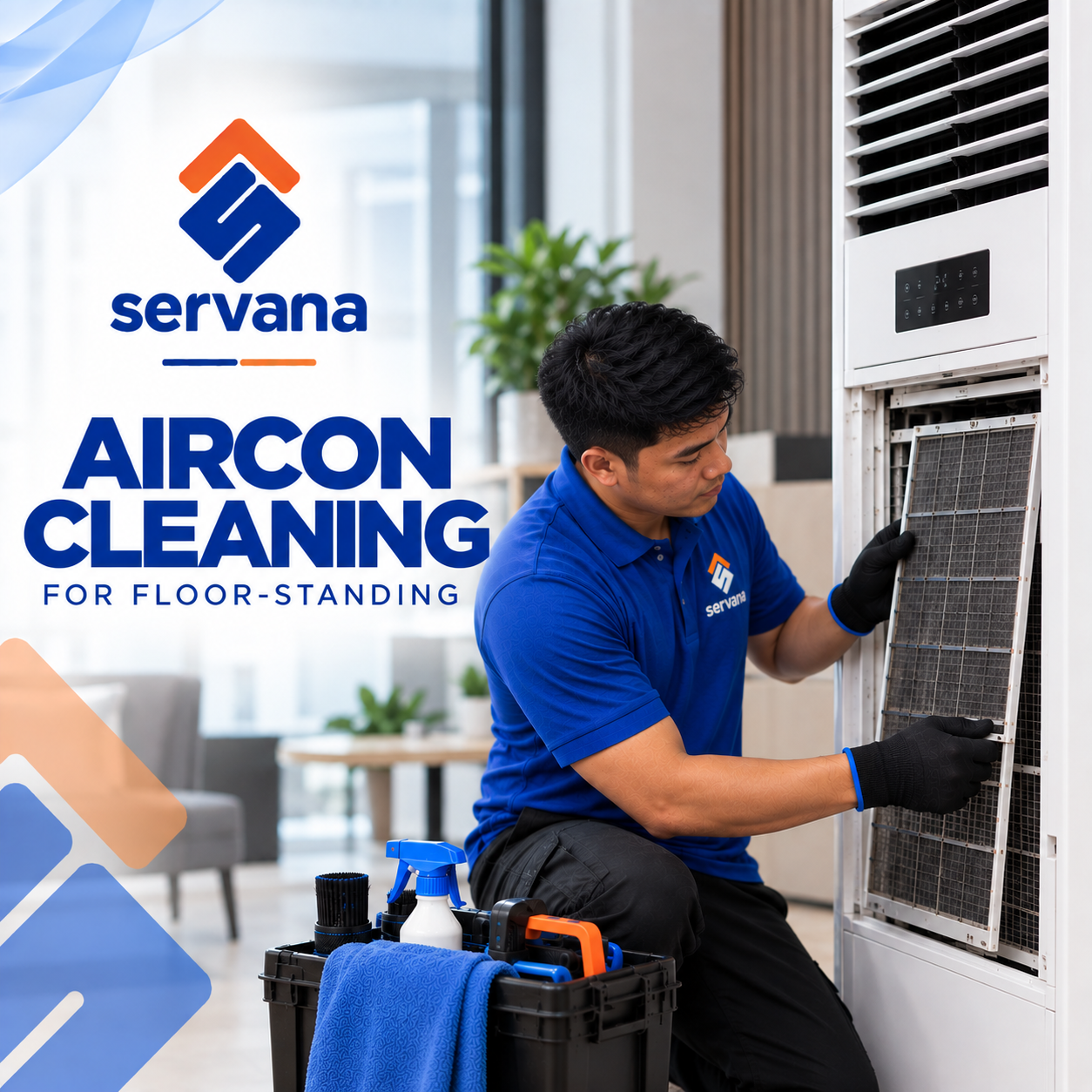
Personal Care












Where prices start
The lowest starting price in each category. The final total depends on the options you choose when you book.
Why Servana
Booking help should not be the hard part
Servana handles finding, confirming and coordinating the professional, so you are not chasing anyone.
A booking that is actually confirmed
Submitting a request is not the same as a confirmed booking. Servana assigns a professional who covers your area, and the booking is confirmed once they accept it — so you know somebody is coming before the day arrives.
You know who is coming to your home
Once a professional accepts your booking you can see who has been assigned. Every booking is tied to a named provider and a record of what happened, not to an anonymous queue.
Find the right service quickly
Search by what you need or browse by category — every Servana service is listed.
Saved addresses
Your addresses are kept on your account, so booking again does not mean typing them again.
Message about the details
Once a professional is confirmed you can message them about access, parking or timing.
Booking history
Past bookings stay on your account, with what was done and what it cost.
Support you can reach
If something goes wrong there is a reference to quote and a person to escalate to.
Rate the work
Leaving feedback after a job is what keeps quality visible to everyone.
How it works
Four steps, start to finish
The coordination behind a booking is not simple. Your part of it is.
Tell us what you need
Pick a service, your address and a time that suits you. Prices and any add-ons are shown before you confirm.
We match a professional
Servana assigns a vetted provider who covers your area and is qualified for the work.
They confirm
The booking is confirmed once the professional accepts it. You can see who has been assigned.
Track it through
Follow the booking from confirmation to completion, and rate the work afterwards.
Web and mobile
One account, wherever you are
Servana runs on the web and as an app. Your bookings, addresses and history belong to your account, not to a device.
- Book on eitherStart a booking on the web or in the Servana app — it is the same booking either way.
- One accountYour profile, addresses and history belong to your Servana account, not to one device.
- One conversationA booking has one conversation, wherever you opened it from.
Trust and safety
How Servana keeps bookings accountable
Every booking has a named professional, a record of what happened, and a route to support.
Documents are reviewed
Providers submit identification and credentials, and Servana reviews them before approving anyone for work.
Every job is recorded
Assignment, acceptance, start and completion are all recorded against the booking.
A route to raise a problem
If something goes wrong there is a booking reference, a record of what happened, and support to escalate to.
Service areas
Where Servana operates
Servana serves customers across the Philippines.
Customer experience
What working with Servana is like
You describe the job, Servana finds a professional who covers your area, and they confirm before the visit. You can see the status of the booking, message about access or timing, and raise a problem through support if something goes wrong.
Questions
Frequently asked
Do I need an account to book?
How do I know my booking is confirmed?
Who decides which professional comes?
How much does it cost?
What if I need to cancel or change the time?
Which areas does Servana cover?
Can I use Servana on my phone?
Tell us what needs doing
Browse the full range of Servana services, or search for the one you need.